
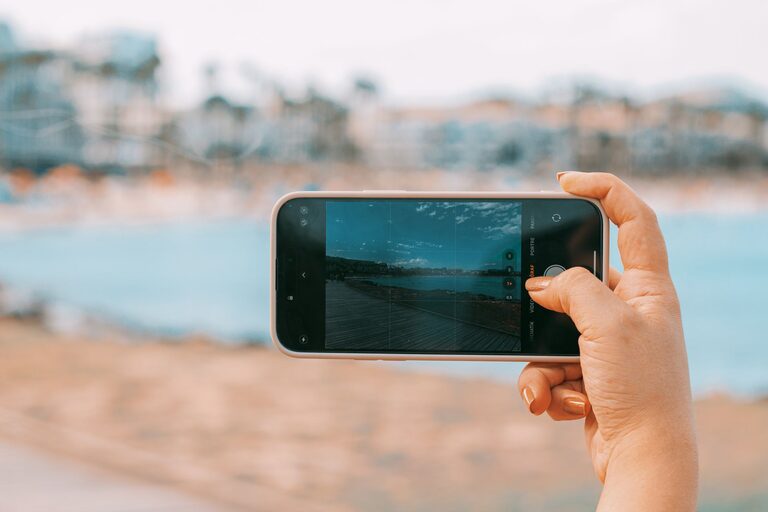
Taking great photos with your phone is easier than you might think. With the right techniques and a bit of practice, you can capture beautiful, clear images that you’ll be proud to share. Whether you’re snapping pictures of friends, nature, or everyday moments, these beginner tips will help you use your phone camera more effectively and take your photos to the next level.
Understanding Your Phone Camera
Before diving into specific tips, it’s helpful to familiarize yourself with your phone’s camera features. Most smartphones today have advanced cameras with settings like HDR, portrait mode, and manual adjustments for focus and exposure. Spend some time exploring your camera app:
– Open the camera and swipe through different modes.
– Experiment with settings like flash, timer, and filters.
– Find the grid option to help with composition (usually found in settings).
Knowing what your camera can do is the foundation for taking better photos.
Tip 1: Clean Your Lens
It sounds simple, but cleaning your phone’s camera lens is one of the easiest ways to instantly improve photo clarity. Since phones are often in pockets or bags, the lens can get smudged or dusty, resulting in blurry or hazy images.
Use a soft, lint-free cloth or a microfiber cloth to gently wipe the lens before shooting.
Tip 2: Use Natural Light Whenever Possible
Lighting is one of the most important factors in photography. Natural light tends to create the best results, especially softer light like early morning or late afternoon sun.
– Avoid harsh midday sunlight that can create strong shadows and highlights.
– When indoors, position your subject near a window.
– Turn off your phone’s flash if you can, as it often produces harsh and unnatural light.
Experiment with the direction of light and how it affects your subject.
Tip 3: Keep the Camera Steady
Blurry photos often result from shaky hands when taking pictures. To keep your phone steady:
– Hold your phone with both hands.
– Keep your elbows close to your body.
– Lean against a stable surface if possible.
– Consider using a small tripod or phone stand for extra stability.
A steady shot will help your camera focus better and capture sharp images.
Tip 4: Focus on Your Subject
Smartphone cameras usually auto-focus, but you can often tap the screen to select the precise area you want to focus on. Doing this ensures that the most important part of your photo is sharp.
For portraits, you might tap on the person’s face. For landscapes, focus on an interesting object in the frame.
Tip 5: Use the Rule of Thirds for Composition
Composition is about how you arrange elements within your photo. The “rule of thirds” divides your image into nine equal parts with two vertical and two horizontal lines. Placing your subject along these lines or at their intersections often creates a balanced and eye-catching photo.
Many phone cameras have an option to display these grid lines:
– Enable the grid in your camera settings.
– Position key elements on grid lines or intersections.
– This technique helps avoid placing your subject dead center, which can sometimes feel less dynamic.
Tip 6: Avoid Digital Zoom
Using digital zoom on a phone camera can reduce image quality because it simply crops the photo rather than using an actual zoom lens. Instead of zooming:
– Move closer to your subject physically if possible.
– Crop the photo later using an editing app.
This preserves the sharpness and detail of your photos.
Tip 7: Experiment with Different Angles and Perspectives
Try shooting from different heights, angles, and distances to add interest to your photos. For example:
– Shoot from a low angle to make objects look larger or more dramatic.
– Try overhead shots when photographing food or flat layouts.
– Get close-up for details or wide to capture scenery.
Changing your perspective can make even everyday subjects more exciting.
Tip 8: Edit Your Photos
Editing can enhance your pictures by improving brightness, contrast, color balance, and cropping. Most phones come with built-in editing tools that are easy to use.
Some tips for editing:
– Adjust exposure and contrast for clearer images.
– Use filters sparingly to maintain natural colors.
– Crop to improve composition or remove distractions.
There are also free apps like Snapseed or VSCO that offer powerful editing features for beginners.
Tip 9: Practice Regularly
Like any skill, photography improves with practice. Take your phone with you and shoot often. Review your photos and note what works and what doesn’t. Over time, you’ll develop your own style and gain confidence.
Final Thoughts
Taking better photos with your phone is achievable with simple changes to how you shoot and think about photography. Clean your lens, focus on lighting and composition, keep your camera steady, and don’t be afraid to experiment. With these beginner tips, you’ll be well on your way to capturing stunning images with just your smartphone.
Happy shooting!