
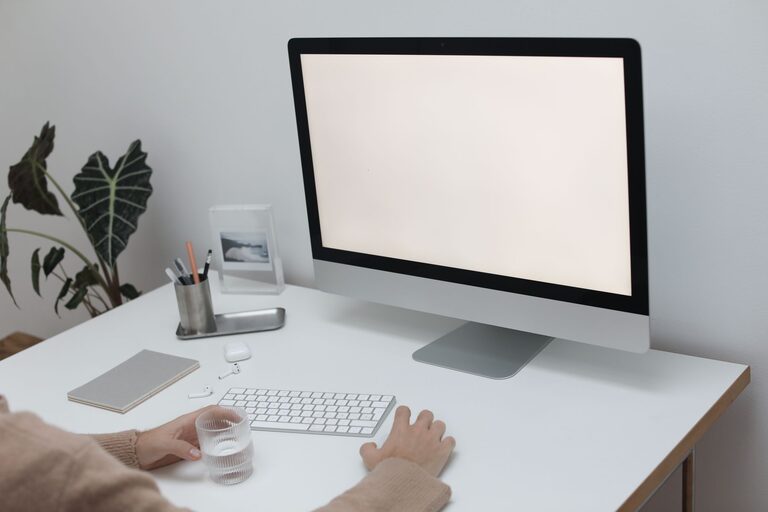
Creating an inviting and organized workspace can have a significant impact on your productivity and mood. However, not everyone has the time for a big makeover or deep cleaning. Good news: you can refresh your workspace in just ten minutes! In this post, we’ll walk you through simple, quick steps to brighten your area, reduce clutter, and make your work environment more enjoyable.
Why Refresh Your Workspace?
Over time, workspaces tend to accumulate clutter, outdated items, and distractions. This can lead to feeling overwhelmed or less focused. A quick refresh helps clear your mind, organize your essentials, and create a more inspiring environment. You don’t need to spend hours—just a few focused minutes can make a noticeable difference.
Preparation: Set a Timer
Before you start, set a timer for ten minutes. This helps keep you on track and makes the task less daunting. Once the timer starts, dive into each step without worrying about perfection—small changes add up!
Step 1: Clear Your Desk Surface (3 Minutes)
A clear desk surface immediately improves your workspace’s appearance. Remove everything except your computer or essential devices.
– Put away piles of paper, notebooks, and mail.
– Toss any trash such as old receipts or snack wrappers.
– Organize pens, sticky notes, and office supplies into containers or drawers.
If you’re short on organizers, even small cups or bowls work well for tidying pens and clips. Clearing your space gives you a fresh starting point.
Step 2: Tidy Your Digital Space (2 Minutes)
Your physical workspace often mirrors your digital environment. Spend a couple of minutes closing unused tabs, organizing files, or deleting unnecessary desktop icons.
– Close browser tabs you aren’t actively using.
– Delete or archive old emails.
– Move files into folders for easier access.
A decluttered digital workspace helps reduce distractions and lets you focus more easily on tasks.
Step 3: Rearrange and Add a Touch of Nature (2 Minutes)
Rearranging your desk items can create a feeling of novelty and freshness.
– Position your monitor and keyboard ergonomically, if needed.
– Add a small plant or a fresh flower. Even a tiny succulent brightens your desk and improves air quality.
– Open a nearby window briefly for fresh air, if possible.
Natural elements and better light can boost your mood and creativity.
Step 4: Wipe Down Surfaces (2 Minutes)
Dust and grime can accumulate quickly, making spaces feel neglected. Use a microfiber cloth or disinfecting wipe to clean your desk, keyboard, mouse, and other frequently touched items.
– Pay attention to screens, which often collect fingerprints.
– Clean your chair’s armrests and any shelves or drawers nearby.
A tidy, clean environment makes work more pleasant and reduces allergens.
Step 5: Add Personal Touches and Adjust Lighting (1 Minute)
Finally, personalize your space with items that motivate or calm you:
– Display a favorite photo, inspirational quote, or artwork.
– Use a desk lamp for softer, warmer lighting if overhead lights feel harsh.
Adjusting lighting can reduce eye strain and create a cozy ambiance that keeps you comfortable during work hours.
Bonus Tips for Ongoing Workspace Refresh
– Keep a small basket for daily clutter to quickly move items out of sight.
– Set a weekly reminder to do a quick workspace tidy-up.
– Limit the number of personal items on your desk to avoid clutter buildup.
Conclusion
Refreshing your workspace doesn’t require a big time commitment. With just ten minutes, you can clear clutter, clean surfaces, and add inviting touches that boost your focus and well-being. Try this quick routine regularly to maintain a productive and pleasant environment. Your workspace—and your mind—will thank you!